What is Clearleave?
A two-minute overview of how people book leave, how managers approve it, and where every balance comes from.
Clearleave is where your company books, approves and tracks leave. Everyone sees who's off, and every balance comes with the working behind it.
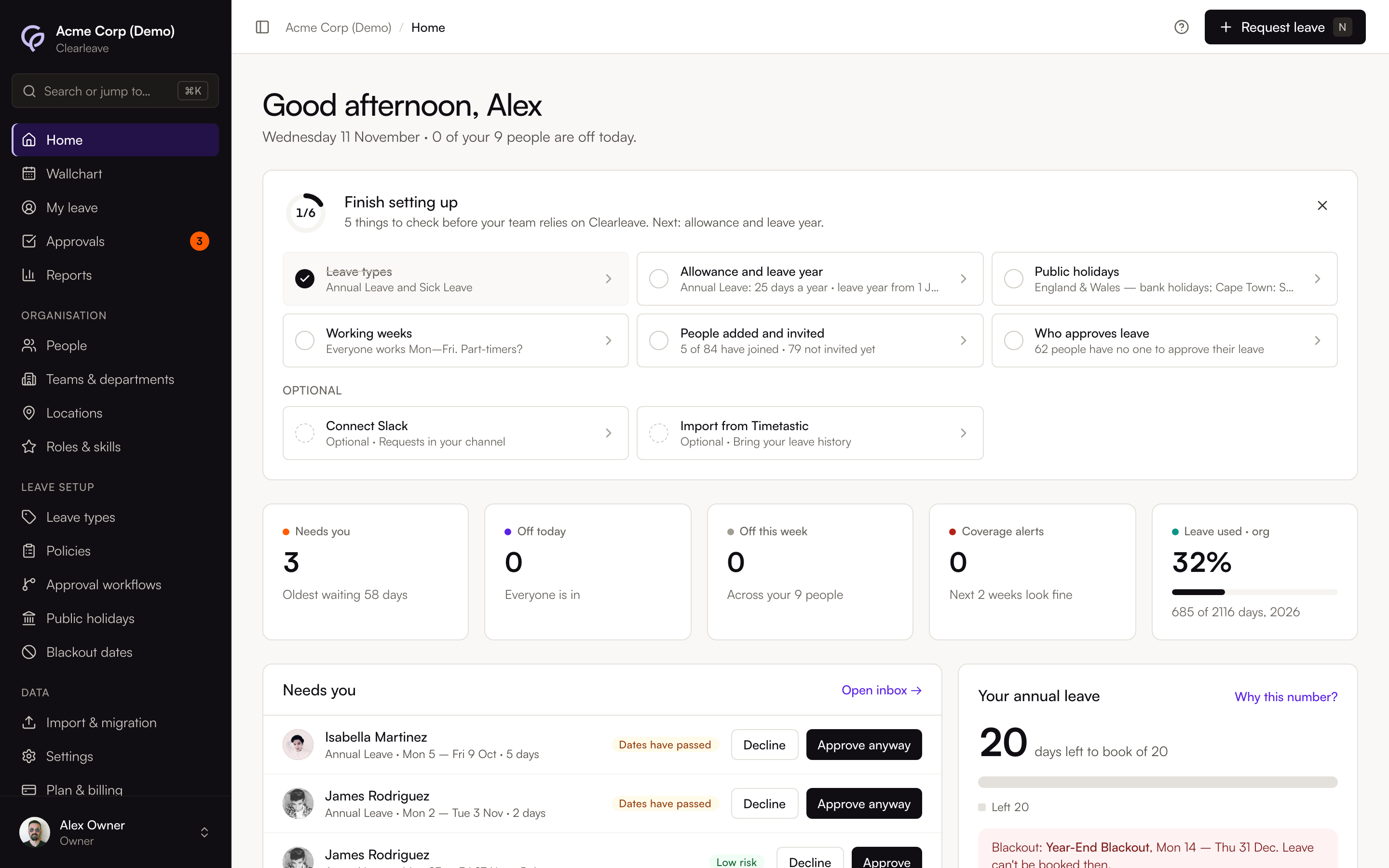
What you do in it
What you see depends on your role.
| Role | What they do |
|---|---|
| Employee | Request and change their own leave, and see their own balance and history |
| Manager | Approve or decline requests for the people they manage, and see coverage |
| Admin | Set up people, leave types, policies, blackout dates and imports |
| Owner | Everything an admin can do, plus the plan, billing and closing the account |
How a request works
- 1
Someone requests leave
They press Request leave at the top of any page and pick their dates. Before they send it, Clearleave checks the dates: working days, public holidays, notice, allowance and who else is off.
- 2
Their approver decides
The request goes to Approvals. The approver sees the same checks, including any coverage warnings, and approves or declines it.
- 3
The Wallchart and balance update
Approved leave appears on the Wallchart, and everyone involved gets an email. The days come out of the person's balance.
Every balance shows how it adds up
A balance isn't a number someone typed in. It's the total of an append-only ledger: the year's allowance, anything carried over, leave taken, public holidays (if your policy includes them in the allowance) and manual adjustments, each with a date and a reason. Select Why this number? next to a balance to see every entry. See Check your balance.
Where to start
- Owners setting up a new company: Your first hour.
- Everyone else: Book leave and Approve requests.
- Moving from another tool or a spreadsheet: Plan your move.